Introduction
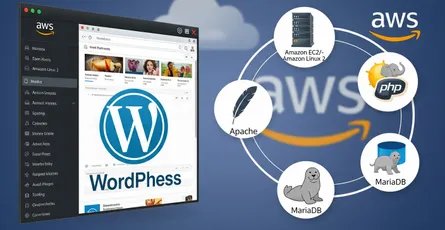
In this tutorial we will set up PHP and MariaDB on Amazon Linux 2. We will get PHP working with the Apache web server, secure the MariaDB install, and then connect the two with a small PHP script.
Prerequisites
To follow along with this tutorial, you will need:
- An Amazon Linux 2 EC2 instance with a public IP address.
- A non-root user with sudo privileges.
- A domain name pointing to the public IP address of your EC2 instance.
- Apache web server installed and running. How to Install Apache Web Server on Amazon Linux 2.
Installing PHP/MariaDB, setting up MariaDB, and running a basic PHP demo
Step 1: installing PHP
PHP is a free and open-source scripting language that is used to create dynamic web pages. It is the most widely used server-side scripting language on the web.
First, we will enable amazon-linux-extras so that we can specify the PHP version that we want to install.
sudo amazon-linux-extras enable php7.4 -yNext, we will install PHP.
sudo yum install php php-{pear,cgi,common,curl,mbstring,gd,mysqlnd,gettext,bcmath,json,xml,fpm,intl,zip,imap} -yWe will now verify that PHP has been installed.
php -vThe output should look like this:
PHP 7.4.30 (cli) (built: Jun 23 2022 20:19:00) ( NTS )Copyright (c) The PHP GroupZend Engine v3.4.0, Copyright (c) Zend TechnologiesStep 2: installing MariaDB
MariaDB is a free and open-source relational database management system (RDBMS) that is used to store data for dynamic web pages. It is a fork of MySQL.
First, we will install MariaDB.
sudo yum install mariadb-server -yNext, we will start MariaDB.
sudo systemctl start mariadbWe will configure MariaDB so that it starts automatically when the system boots.
sudo systemctl enable mariadbWe will now secure MariaDB.
sudo mysql_secure_installationYou will be prompted to enter the current root password for MariaDB. Press Enter to continue.
Enter current password for root (enter for none):Next, you will be prompted to set a new root password for MariaDB. Enter a new password and press Enter.
Set root password? [Y/n]You will be prompted to remove anonymous users. Press Y and then press Enter.
Remove anonymous users? [Y/n]You will be prompted to disable remote root login. Press Y and then press Enter.
Disallow root login remotely? [Y/n]You will be prompted to remove the test database and access to it. Press Y and then press Enter.
Remove test database and access to it? [Y/n]You will be prompted to reload the privilege tables now. Press Y and then press Enter.
Reload privilege tables now? [Y/n]Step 3: configuring PHP to work with Apache
First, we need to restart Apache.
sudo systemctl restart httpdWe will create a directory for our PHP files.
sudo mkdir /var/www/html/phpNext, we will create a PHP file.
sudo vi /var/www/html/php/index.phpWe will add the following content to the file.
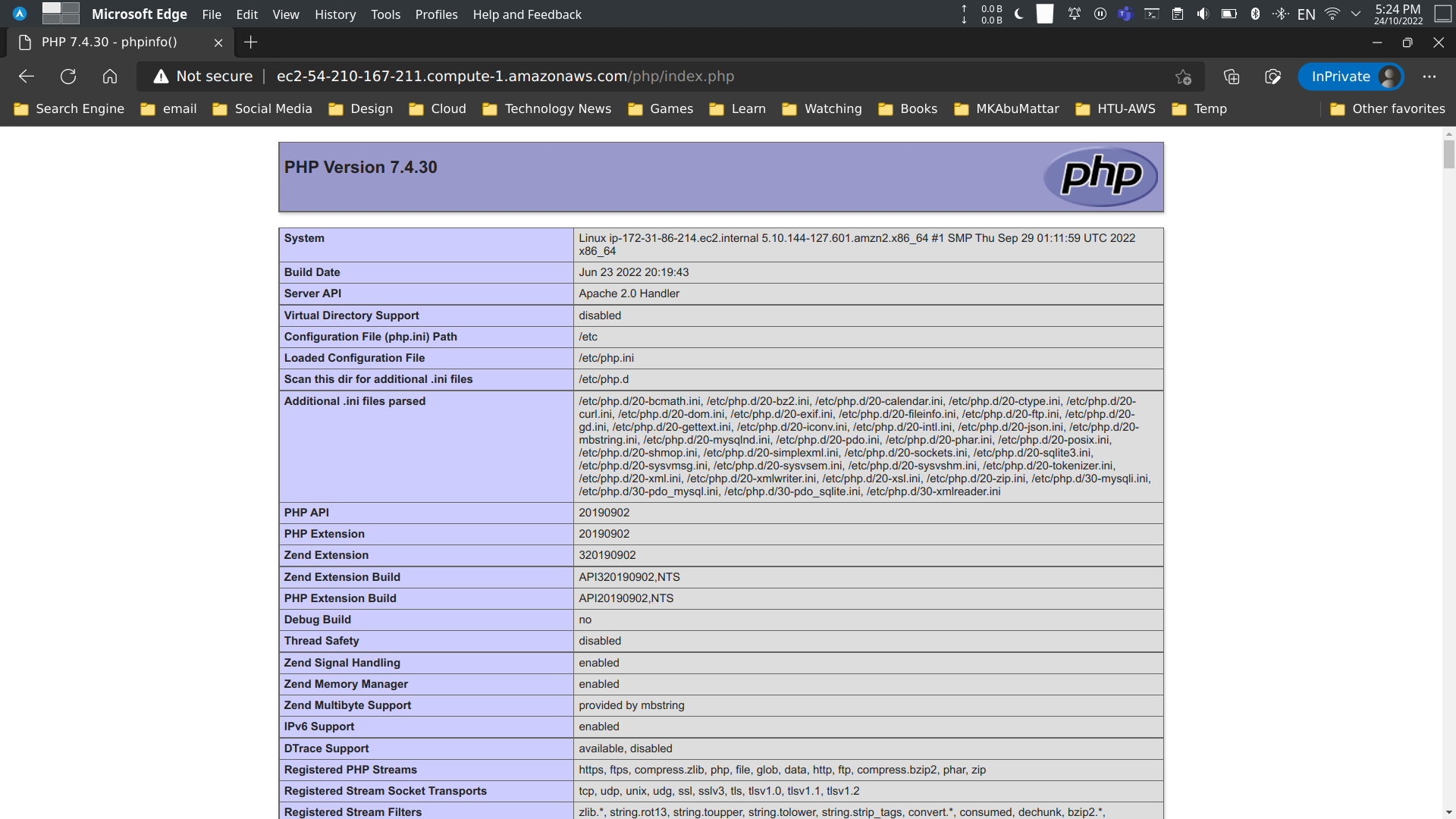
<?php phpinfo();We will now open the file in a web browser.
http://your_domain_name/php/index.phpYou should see the following output:
Step 4: configuring MariaDB to work with PHP
First, we will create a database for our PHP files.
sudo mysql -u root -pCREATE DATABASE php;Next, we will create a user for our PHP files.
CREATE USER 'php'@'localhost' IDENTIFIED BY 'password';We will grant all privileges to the user.
GRANT ALL PRIVILEGES ON php.* TO 'php'@'localhost';We will now exit MariaDB.
exitWe will create a PHP file.
sudo vi /var/www/html/php/db.phpWe will add the following content to the file.
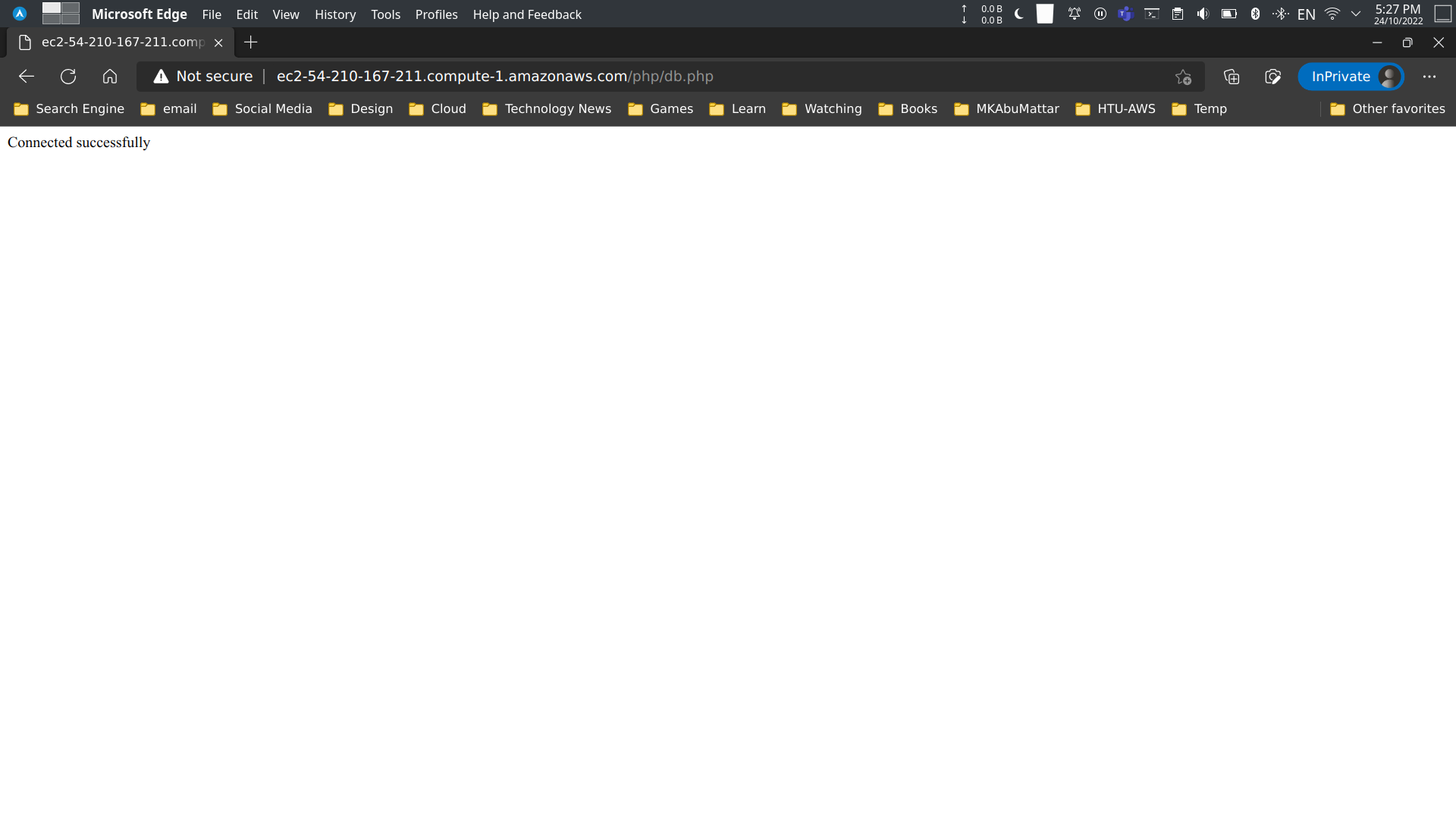
<?php $db = new mysqli('localhost', 'php', 'password', 'php'); if ($db->connect_error) { die('Connection failed: ' . $db->connect_error); } echo 'Connected successfully';We will now open the file in a web browser.
http://your_domain_name/php/db.phpYou should see the following output:
Conclusion
In this tutorial, we learned how to set up PHP and MariaDB on Amazon Linux 2, how to get PHP working with the Apache web server, and how to connect PHP to MariaDB.
Resources
- PHP Manual - Installation on Unix systems
- MariaDB Server Documentation - Installing MariaDB Packages with YUM/DNF
- Amazon EC2 User Guide for Linux Instances
- Tutorial: Installing a LAMP Web Server on Amazon Linux 2
- Amazon Linux Extras
- Apache HTTP Server Documentation
mysql_secure_installation- MariaDB Knowledge Base- PHP Manual -
phpinfo() - PHP Manual - MySQLi connect
- Previous Post: How to Install Apache Web Server on Amazon Linux 2
- MySQL CREATE DATABASE Statement (MariaDB syntax is similar)
- MySQL CREATE USER Statement (MariaDB syntax is similar)
- MySQL GRANT Statement (MariaDB syntax is similar)